
ManageEngine OS Deployer: Comprehensive disk imaging solution
ManageEngine OS Deployer is an automated operating system deployment solution designed to help IT teams create, manage, and deploy OS images across multiple computers efficiently. It simplifies large-scale OS rollouts, upgrades, and migrations by eliminating the need for manual installations on individual devices.








What is ManageEngine OS Deployer?
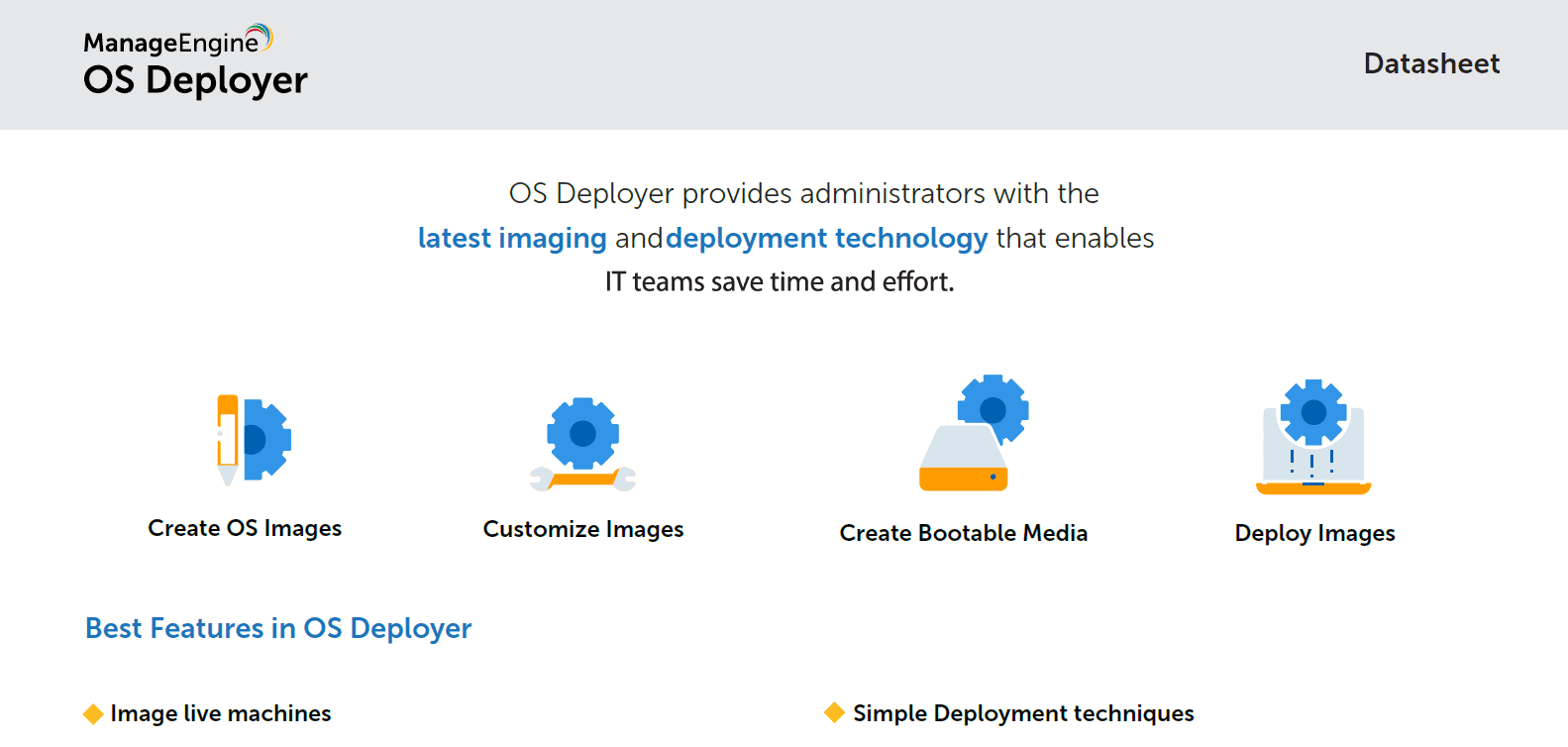
Instead of installing operating systems one machine at a time, administrators can create a master image including the OS, drivers, configurations, and essential applications—and deploy it across multiple endpoints simultaneously. This makes it ideal for new device provisioning, hardware refresh cycles, and OS upgrades.
OS Deployer supports Windows operating systems and enables both centralized and distributed deployment. It is especially useful in enterprise environments, educational institutions, and organizations that frequently onboard new devices.
By automating imaging and deployment processes, ManageEngine OS Deployer reduces downtime, ensures configuration consistency, and accelerates IT operations.
ManageEngine OS Deployer Pricing
ManageEngine OS Deployer pricing typically depends on:
- Number of workstations and servers
- Deployment type (standalone or integrated)
- Edition selected
- Support and maintenance requirements
The solution is often licensed based on the number of machines being deployed. A limited free edition may be available for small environments, while larger organizations require a paid license for expanded deployment capabilities.
For accurate and customized pricing, organizations are encouraged to request a quote based on their infrastructure size and deployment needs.
KEY FEATURES OF MANAGEENGINE
OS DEPLOYER
Disk Imaging and Cloning
Create master OS images and clone them across multiple machines quickly.
PXE-Based Deployment
Deploy operating systems over the network without physical media.
Hardware-Independent Deployment
Automatically installs drivers to support different hardware configurations.
Multicast Deployment
Reduces network load by deploying OS images to multiple systems simultaneously.
Customizable Templates
Standardize configurations, user settings, and applications across devices.
Centralized Management Console
Manage and monitor deployments from a single dashboard.
Post-Deployment Automation
Automate domain joining, driver injection, and configuration tasks after installation.
Manage Engine OS Deployer Specifications
- Supports Windows workstation and server operating systems
- On-premises deployment model
- PXE server capability for network-based installations
- Role-based access control for administrators
- Integration support with other ManageEngine endpoint tools
- Centralized image repository management
These specifications make it suitable for mid-sized to enterprise-level IT environments requiring standardized OS rollout processes.
Alternatives of ManageEngine OS Deployer
Organizations comparing OS deployment tools may evaluate:
Free Windows deployment solution from Microsoft.
Imaging and deployment platform.
Open-source disk cloning tool.
Enterprise OS imaging solution.
Disk imaging and system deployment tool.
Discover how Manage Engine can streamline your business
Reach out to the FGRADE Concierge Team for a free consultation!
Call Us
+91 916 056 5554
Mail Us
sales@fgrade.com
Why Choose FGrade?
01
Migrations
FGrade handles seamless migrations to ensuring your data is transferred accurately and securely. Our successful track record speaks for itself.
02
Certified Experts
Our team comprises certified professionals with extensive training in all IT products. Trust us to manage your HR systems with the utmost expertise.
03
Great Price Discounts
At FGrade, we're ready to help you implement SAMLconfidently, customizing workflows, setting up approvals all these at lower prices.
Frequently Asked Questions
What is an OS deployer server?
An OS deployer server is a centralized system that stores operating system images and distributes them to client machines across a network for installation or upgrade.
Is ManageEngine OS Deployer free?
ManageEngine OS Deployer offers limited free capabilities for small-scale usage. Full-featured enterprise deployments typically require a paid license.
What is ManageEngine OS Deployer PXE Server?
The PXE (Preboot Execution Environment) server allows devices to boot from the network and receive OS images remotely without using USB drives or DVDs. It simplifies large-scale network deployments.
What does OS deployment mean?
OS deployment refers to the process of installing, configuring, and distributing operating systems across multiple computers in a standardized and automated manner.
What are the top 5 features for ManageEngine OS Deployer?
- Disk imaging and cloning
- PXE-based network deployment
- Hardware-independent imaging
- Multicast deployment
- Post-deployment automation

Search, compare & buy top business software with FGRADE. Find the best deals on Microsoft 365, Zoho, Google Workspace & more. Shop smart & save big!
Office Address
AWFIS, Ground Floor, DSL abacus it park, Survey Colony, Industrial Development Area, Uppal, Hyderabad, Telangana 500039