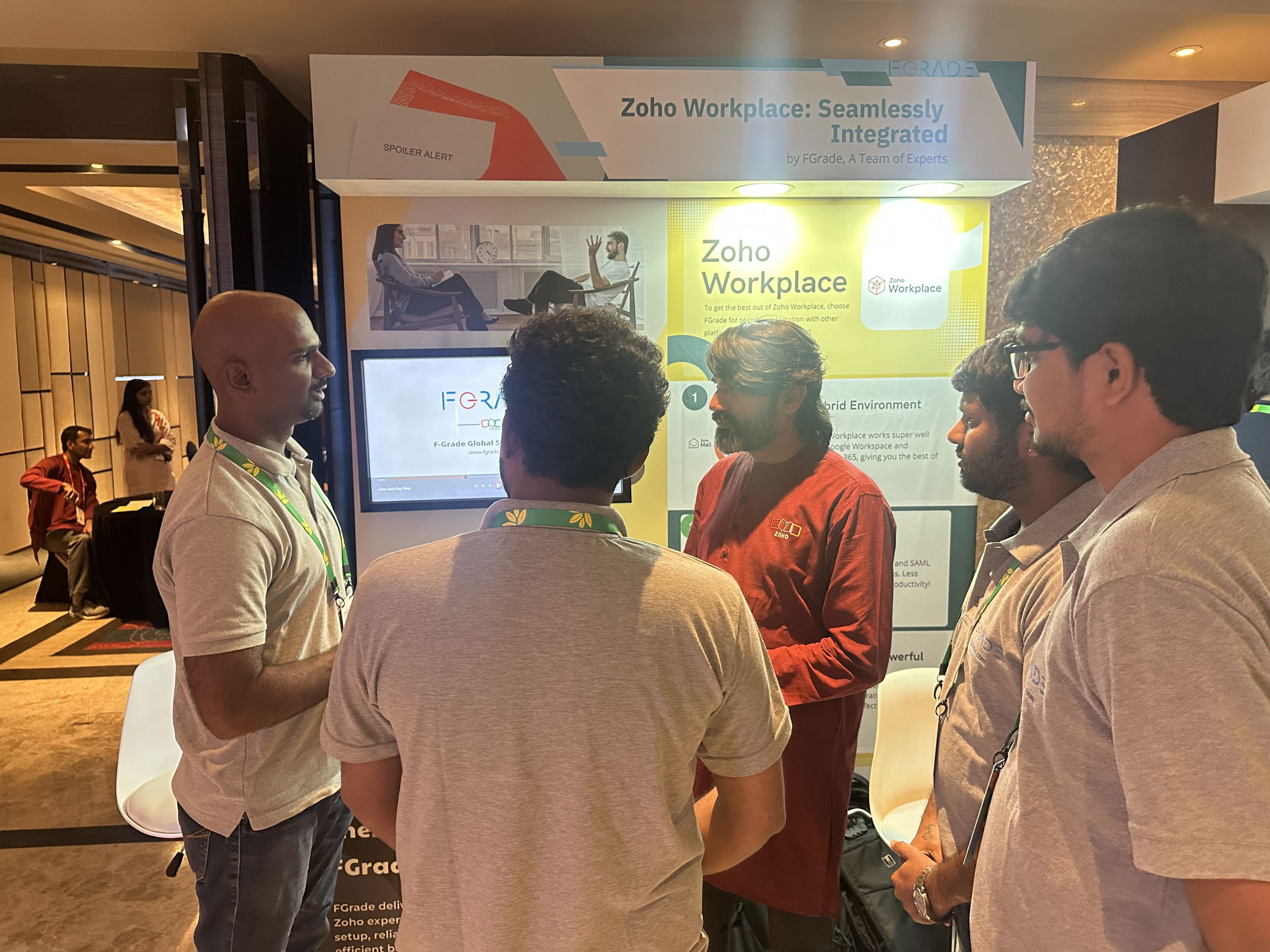



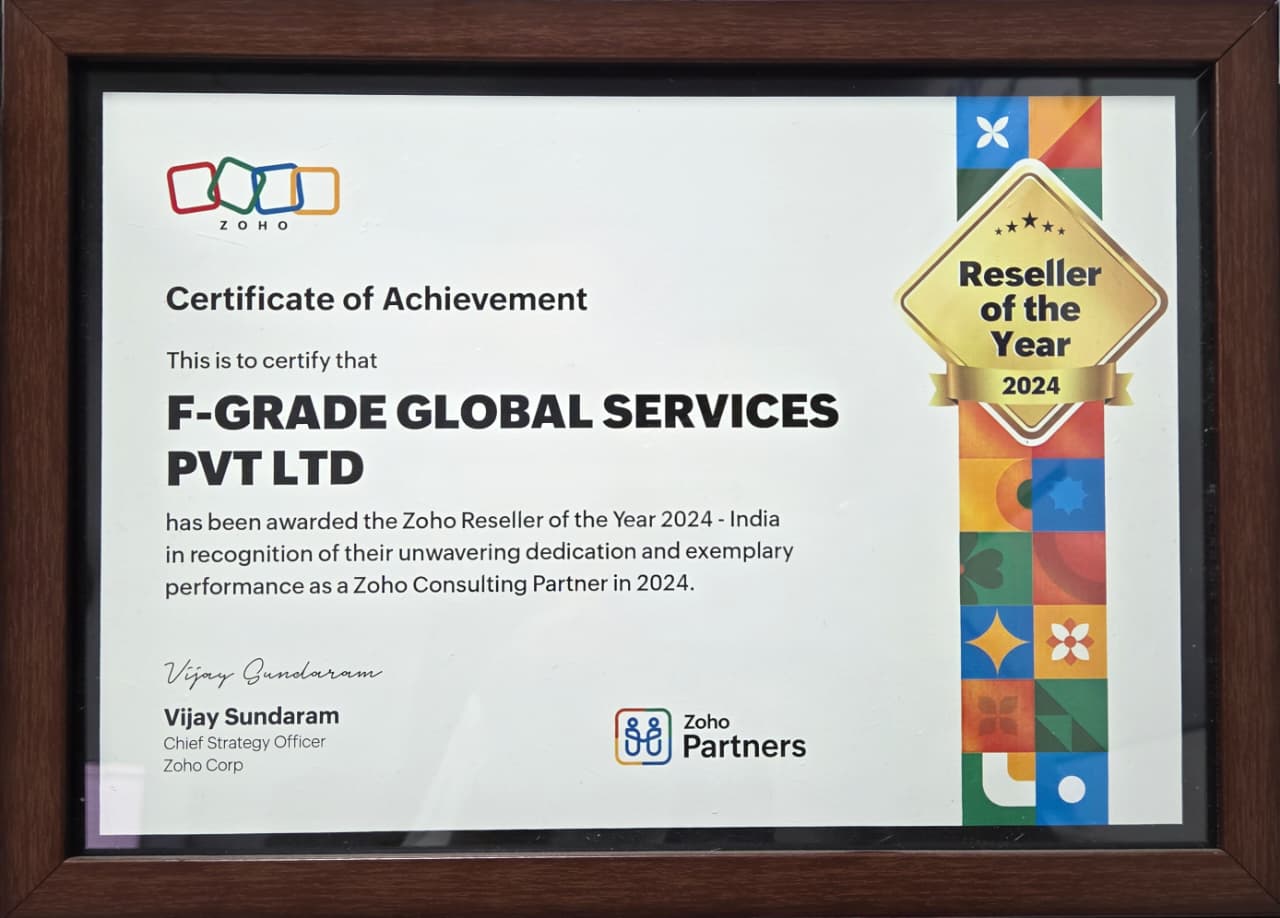

We help businesses unlock the full power of Zoho. Our experts manage end-to-end Zoho implementation and migration—including CRM, Projects, and Books—covering requirement mapping, data migration, configuration, training, and post-deployment support.

Google Workspace Partner & Reseller in India
Running a business today means managing email, files, meetings, documents, and people across different locations. Google Workspace brings these everyday business tools together in one platform.
FGRADE helps businesses across India choose, purchase, set up, and manage Google Workspace, with INR billing, GST invoices, migration assistance, and ongoing technical support. Talk to FGRADE to find the right Google Workspace plan for your business.
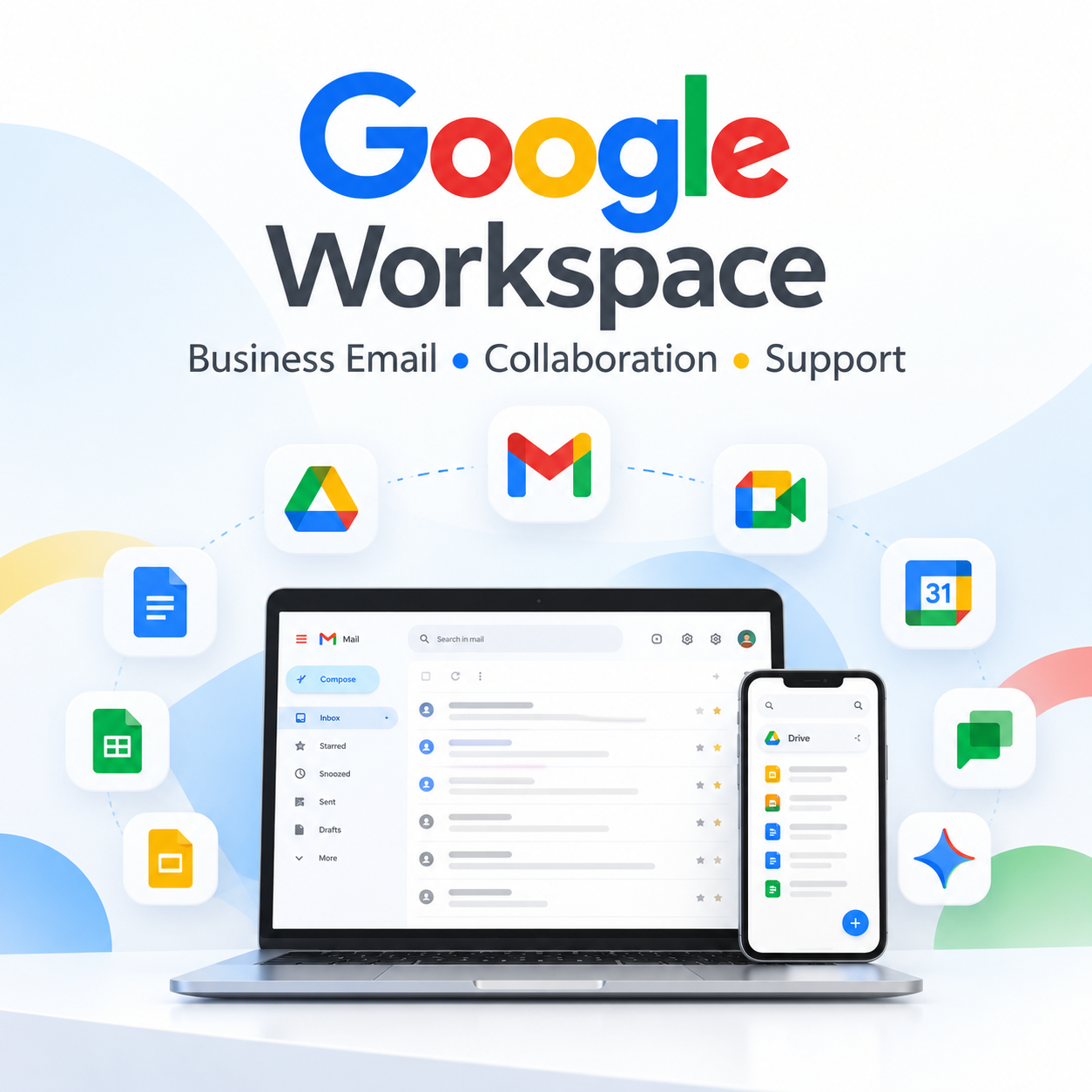
Google Workspace for Business in India
Google Workspace is a collection of cloud-based business applications from Google. It brings the tools employees use every day into one connected workspace.
With Google Workspace, businesses can use Gmail for professional business email, Google Drive for storing and sharing files, Google Meet for online meetings, and Google Chat for team communication.
Employees can also create and work together on documents, spreadsheets, and presentations using Google Docs, Google Sheets, and Google Slides. Google Calendar helps teams schedule meetings, manage appointments, and organise their working day.
Because these applications work together, employees can move from an email to a document, from a Calendar event to a Meet call, or from a shared Drive folder to a collaborative spreadsheet without constantly switching between unrelated platforms.
For businesses, the question is therefore not simply whether Google Workspace can provide email. It is whether the right Workspace plan, configuration, and support model fits the way the organisation actually works.
Google Workspace Plans & Pricing in India
Google Workspace is available in different plans, with each edition designed for different business requirements. The differences can include storage, Google Meet capabilities, security controls, administration features, and AI capabilities.
Pricing is generally based on the number of users or licences and the plan selected. Businesses can choose the billing arrangement available for their selected edition, such as monthly or annual billing, subject to Google's current commercial terms.
Google Workspace Pricing in INR
For businesses in India, pricing in INR makes it easier to understand the actual subscription cost and manage billing locally.
The total cost depends on factors such as:
- Google Workspace plan
- Number of users
- Billing arrangement
- Applicable taxes and GST
- Any additional services required for setup or migration
What Does Each Google Workspace Plan Include?
The right plan depends on what your business actually needs.
A smaller business may primarily need professional Gmail, cloud storage, Google Meet, and collaboration tools. A larger organisation may require additional storage, stronger security controls, advanced administration, or enhanced meeting and AI capabilities.
The current plans and features should be checked before purchase because Google regularly updates Workspace editions and their included features.
Google Workspace User & Licence Pricing
Google Workspace is generally licensed on a per-user basis.
For example, if 25 employees each need their own Workspace account, the business would typically require 25 user licences. The final subscription cost therefore depends not only on the selected plan but also on the number of users.
GST on Google Workspace
Businesses purchasing Google Workspace in India should also account for applicable GST and taxes.
With an Indian reseller, the applicable tax information can be reflected on the GST invoice, making it easier for businesses to maintain their purchase records.
Google Workspace Pricing Calculator
How much will Google Workspace cost for your business?
Use the interactive pricing calculator to enter your number of users, select a Workspace plan, choose the billing option, and estimate your subscription cost in INR.
Need help choosing a plan? Talk to FGRADE for a personalised Google Workspace quote.
Compare Google Workspace Plans & Features
Choosing a Workspace plan becomes easier when you compare the features that matter to your organisation.
| Feature | Business Starter | Business Standard | Business Plus | Enterprise |
|---|---|---|---|---|
| Cloud Storage | Plan-specific | Higher storage | Higher storage | Enterprise options |
| Business Email | Yes | Yes | Yes | Yes |
| Google Meet | Yes | Enhanced features | Advanced features | Enterprise features |
| AI Features | Plan-specific | Plan-specific | Plan-specific | Advanced options |
| Security | Standard | Enhanced | Advanced | Enterprise-level |
| Admin Controls | Yes | Yes | Yes | Advanced controls |
| Collaboration Tools | Yes | Yes | Yes | Yes |
| User Management | Yes | Yes | Yes | Advanced |
| Support | Available | Available | Available | Enterprise options |
| User/Feature Limits | Plan-specific | Plan-specific | Plan-specific | Enterprise options |
Google Workspace Features for Businesses
The value of Google Workspace comes from how its individual applications work together. Here are the features businesses use most often.
Business Email with Gmail
A business email address should reflect the business itself.
Google Workspace allows organisations to use Gmail with a custom business domain, such as name@company.com, rather than relying on a personal Gmail address.
Administrators can create and manage employee accounts, while employees get access to Gmail through the same familiar interface used by millions of people.
Cloud Storage with Google Drive
Google Drive gives businesses a central place to store, organise, and share files.
Teams can create shared folders, control who can view or edit files, and collaborate without constantly emailing attachments back and forth.
The amount of storage available depends on the selected Workspace plan.
Video Meetings with Google Meet
Google Meet provides businesses with a way to conduct online meetings, interviews, presentations, training sessions, and client calls.
Depending on the Workspace plan, businesses may have access to features such as screen sharing, meeting recording, larger meeting capacities, and other advanced meeting capabilities.
Real-Time Collaboration with Docs, Sheets & Slides
Instead of sending a document around and asking different people to edit different copies, teams can work on the same Google Doc, Sheet, or Slide presentation.
Multiple people can edit a file at the same time, leave comments, suggest changes, and review previous versions.
For teams working from different locations, this can make everyday collaboration considerably simpler.
Google Calendar for Team Scheduling
Google Calendar helps employees manage meetings, appointments, deadlines, and schedules.
Teams can check availability, invite colleagues, schedule Google Meet calls, and keep important events in one shared system.
For businesses with multiple teams, this provides a straightforward way to coordinate meetings and working schedules.
Google Workspace Security & Admin Controls
Businesses need more than productivity applications. They also need control over who can access company accounts and information.
The Google Admin console gives administrators tools to manage users, accounts, applications, access, and organisational settings.
Security and administration capabilities vary according to the Workspace edition selected.
Benefits of Google Workspace for Your Business
The benefit of Google Workspace is not simply having a collection of Google applications. The real benefit is what those tools allow a business to do more efficiently.
Improve Team Collaboration
Employees can work on the same documents, spreadsheets, and presentations in real time.
That means fewer duplicate files, fewer email attachments, and less time spent figuring out which version is the latest one.
Professional Business Email
A custom-domain Gmail address gives employees a consistent business identity.
It also allows the organisation to manage employee accounts centrally as people join, leave, or change roles.
Work from Anywhere
Teams can access their Workspace applications and files from supported devices and locations.
This makes Workspace suitable for businesses with remote employees, hybrid teams, travelling staff, or multiple offices.
Centralised Cloud Storage
Google Drive provides a central location for business files instead of leaving important documents scattered across individual computers.
Businesses can also manage sharing and access permissions according to their requirements.
Improve Business Productivity
Gmail, Drive, Meet, Calendar, Docs, Sheets, Slides, and Chat are designed to work together.
Employees can move between communication, meetings, files, and documents without maintaining several disconnected systems.
Strengthen Security & Access Management
Centralised administration allows businesses to manage user accounts, permissions, and security settings from one place.
The level of available controls depends on the Workspace plan selected.
Google Workspace Setup, Migration & Support Services
Buying Google Workspace is only part of the process.
For a business moving from another email or productivity platform, the more important question is often what happens to its existing email, files, users, and domain.
FGRADE can help businesses with the implementation side of Google Workspace, including:
Google Workspace Setup
Setting up the Workspace environment according to the organisation's users, domain, applications, and requirements.
Email & Data Migration
Helping businesses move existing emails and relevant business data from their current platform to Google Workspace.
User & Account Setup
Creating user accounts, assigning licences, and organising users within the Workspace environment.
Domain Configuration
Connecting the organisation's existing business domain with Google Workspace.
DNS & MX Configuration
Configuring the required DNS records, including MX records, so that business email can work correctly with Gmail.
Admin Console Setup
Configuring the Google Admin console and establishing the appropriate administrative settings.
User Onboarding
Helping employees get started with Gmail, Drive, Meet, Calendar, Docs, Sheets, Slides, and other Workspace applications.
Ongoing Technical Support
Providing assistance after implementation for Workspace-related configuration, account, migration, renewal, and technical requirements.
Why Choose FGRADE as Your Google Workspace Partner in India?
Choosing a reseller is not just about finding the lowest licence price.
For many businesses, the difficult part begins after the subscription is purchased—setting up the domain, moving existing email, creating accounts, configuring administration, and helping employees make the transition.
FGRADE's service offering is designed to support businesses through these stages.
Authorised Google Workspace Partner/Reseller
FGRADE provides Google Workspace licensing and related services for businesses in India. Current partner/reseller authorisation should be verified with FGRADE before purchase.
INR Billing
Businesses can receive pricing in Indian Rupees, making subscription costs easier to understand and manage locally.
GST Invoice
Applicable GST details can be provided on the invoice, subject to the applicable billing arrangement.
Free Migration
Where included in FGRADE's current offering, businesses can receive migration assistance without a separate migration charge.
Renewal Assistance
FGRADE can assist businesses with their Google Workspace renewal requirements and subscription continuity.
24/7 Support
Where included in the applicable support package, customers can access support beyond standard business hours.
Business-Focused Implementation
Workspace is configured around the organisation's actual users, domain, workflow, security requirements, and collaboration needs.
Dedicated Technical Assistance
Businesses can get technical assistance for setup, configuration, migration, account management, and other Workspace requirements according to their service arrangement.
Google Workspace Reseller for Businesses Across India
Businesses across India have different requirements when it comes to email, storage, collaboration, and security.
A startup with ten employees may have very different needs from an established organisation with several hundred users. Professional firms, agencies, educational organisations, startups, SMEs, and larger businesses may all use Google Workspace differently.
FGRADE works with businesses across India that are looking for Google Workspace licensing as well as setup, migration, and ongoing technical assistance.
If you are searching for a Google Workspace reseller in India, Google Workspace partner in India, Google Workspace provider in India, or looking for Google Workspace pricing in India, FGRADE can help you evaluate your requirements and choose the appropriate solution.
How to Buy Google Workspace from FGRADE
Getting started can be kept simple.
1. Choose Your Google Workspace Plan
Start by identifying the number of users and the features your business needs.
2. Share Your Business Requirements
Tell FGRADE about your existing email system, domain, number of users, migration requirements, and other business needs.
3. Complete Setup or Migration
Once the plan is selected, FGRADE can assist with Workspace configuration, domain setup, user creation, and migration where required.
4. Start Using Google Workspace
Once everything is configured, your team can start using Gmail, Drive, Meet, Calendar, Docs, Sheets, Slides, Chat, and other available Workspace applications.
Ready to move your business to Google Workspace? Contact FGRADE to discuss your requirements and get the right plan for your organisation.
Google Workspace vs Other Business Email Solutions
There is no single business email solution that is automatically right for every organisation.
The better approach is to compare platforms according to the tools your business actually needs.
| Requirement | Google Workspace | Other Business Email Solutions |
|---|---|---|
| Business Email | Gmail with custom domain | Depends on provider |
| Cloud Storage | Google Drive | Depends on provider |
| Collaboration | Docs, Sheets, Slides, Drive | Varies |
| Video Meetings | Google Meet | Varies |
| Productivity Applications | Integrated Google applications | Varies |
| Administration | Google Admin console | Depends on provider |
| Security | Plan-dependent security controls | Depends on provider and plan |
| Pricing Model | Generally user/licence based | Varies |
| Remote Collaboration | Cloud-based applications | Depends on platform |
Frequently Asked Questions About Google Workspace
What is Google Workspace?
Google Workspace is Google's collection of cloud-based productivity and collaboration applications for businesses and organisations. It includes Gmail, Drive, Meet, Chat, Calendar, Docs, Sheets, Slides, and other services, with features depending on the selected plan.
How much does Google Workspace cost in India?
Google Workspace pricing in India depends on the selected plan, number of users, billing arrangement, and applicable taxes.
Since Google periodically changes pricing and plan features, businesses should check the current pricing before purchasing.
FGRADE can provide the applicable pricing based on your business requirements.
What is the difference between Google Workspace plans?
The plans differ in areas such as storage, Google Meet capabilities, security, administration, AI features, and other advanced business functionality.
The best plan depends on what your organisation actually needs rather than simply choosing the most expensive option.
Is FGRADE an authorised Google Workspace partner?
FGRADE provides Google Workspace licensing and related services for businesses in India. Businesses should confirm FGRADE's current Google partner or reseller status and applicable authorisations before purchase.
Can I buy Google Workspace in INR?
Yes. Businesses in India can purchase Google Workspace through an Indian reseller such as FGRADE with pricing and billing in INR, subject to the applicable commercial terms and taxes.
Does FGRADE provide Google Workspace migration services?
Yes, FGRADE can assist businesses with Google Workspace migration requirements, including email and relevant business data migration, depending on the existing platform and scope of work.
Can I use my existing domain with Google Workspace?
Yes. Google Workspace supports custom business domains.
Your existing domain can be connected to Google Workspace by configuring the required DNS records, including MX records for email delivery.
Does Google Workspace include business email?
Yes. Google Workspace includes Gmail for business email using a custom domain. The exact features available depend on the Workspace plan selected.
How do I renew my Google Workspace subscription?
The renewal process depends on your subscription and billing arrangement.
If you purchase Google Workspace through FGRADE, you can contact the team for assistance with renewal and subscription-related requirements.