
MANAGE ENGINE opmanager plus : optimize IT operations across your IT stack and maximize business outcomes
Zoho Expense is a comprehensive travel and expense management platform that automates the entire process. It's designed to help businesses of all sizes simplify and gain control over their spending. The software digitizes receipts, automates report generation, streamlines approval workflows, and facilitates quick reimbursements. It's a mobile-friendly solution that makes it easy for employees to manage their expenses on the go.




About ManageEngine OpManager Plus
ManageEngine OpManager Plus is an enterprise-grade IT operations management and monitoring suite that gives IT teams holistic visibility into their entire digital infrastructure from a unified dashboard. It’s designed to proactively monitor your networks, servers, applications, storage, and security components in real time - helping teams prevent outages, minimize downtime, and ensure smooth performance across distributed environments.
What sets OpManager Plus apart is its all-in-one approach: you can do everything from bandwidth traffic analysis and firewall log monitoring to configuration change tracking and IP/switch-port management without toggling between tools. It’s built with scalability in mind - capable of growing with your infrastructure whether you're managing 50 devices or 10,000+. Advanced alerting, automated workflows, customizable dashboards, AI-powered insights, and multi-vendor device support make it a top choice for IT operations teams.
Unlike many basic network tools, OpManager Plus bundles network, server, and security monitoring with features like configuration backups and compliance checks. Plus, integrated workflow automation and machine-learning-enabled analytics help teams reduce mean time to resolution (MTTR). Through a single pane of glass, IT admins can ensure performance, reliability, and security — making OpManager Plus a flagship choice for modern enterprise infrastructure monitoring.

Products of ManageEngine IT Operations Management (ITOM)
01
OpManager Plus
OpManager Plus is a central part of ManageEngine ITOM, offering full-stack IT operations monitoring across networks, servers, applications, IP address, switch ports, and firewalls. It integrates bandwidth analysis, configuration management, and alerting into a single dashboard, eliminating the need for several point tools. Its AI/ML-enabled insights help reduce manual troubleshooting and automate many routine tasks. Enterprises value OpManager Plus for its ability to unify disparate data sources into one view — delivering rapid detection of performance degradation, intuitive dashboards for trend analysis, and automated workflows that keep infrastructure running smoothly. Its module-based licensing lets organizations scale from small setups to large distributed environments seamlessly.
02
OpManager
OpManager is a network and infrastructure monitoring staple in the ITOM ManageEngine portfolio. It provides real-time network visibility — alerting admins to issues with routers, switches, servers, and services before they impact business outcomes. Its interface simplifies complex network maps and reporting, while its performance stats help teams identify trends and capacity constraints. SMBs and enterprises alike use OpManager to keep tabs on uptime, troubleshoot outages quickly, and analyze performance metrics across environments. It’s often paired with other ManageEngine tools to expand visibility beyond core network
monitoring.
03
NetFlow Analyzer
NetFlow Analyzer focuses on network traffic and bandwidth analysis — decoding flow protocols like NetFlow, sFlow, and IPFIX to give precise insights into how data moves across your infrastructure. This lets IT teams understand bandwidth usage by
application, user, or protocol, making it easier to optimize performance and plan capacity.
As part of the broader manageengine itom ecosystem, it complements other tools by adding traffic pattern intelligence and traffic planning visibility that’s essential for high-performance networks.
04
Network Configuration Manager
Network Configuration Manager automates device configuration backups, change control tracking, and compliance auditing for network gear — crucial components of ITOM strategy. It helps reduce misconfiguration risks and simplifies compliance reporting for standards like PCI DSS or ISO.) Teams often choose it to enforce standardized configurations across routers, switches, and firewalls, ensuring configuration consistency and easier rollback during outages.
05
Firewall Analyzer
Firewall Analyzer collects and analyzes logs from perimeter security devices (firewalls, VPNs, and proxies) to enhance security incident response and policy audits. It aligns with ITOM objectives by ensuring that firewall policies are both functioning correctly and compliant with security standards.
Organizations use it to detect anomalies, monitor access patterns, and auto- generate compliance reports that support governance and risk management.
06
OpUtils
OpUtils provides essential IP address management (IPAM) and switch port mapping, helping IT teams keep track of IP allocations, detect rogue devices, and troubleshoot connectivity issues fast. As part of the ManageEngine ITOM ecosystem, it adds deep insights into network assets that might otherwise require separate tooling.
Its lightweight design makes it ideal for environments where tight control of address space and switch port status is critical.
KEY FEATURES OF OPMANAGER PLUSH
With OpManager Plus, here’s what you can expect:
Monitor, manage, secure, and optimize
ManageEngine OpManager Plus packs a rich set of features that empower IT teams to monitor, manage, secure, and optimize their entire IT stack. At its core, it’s a unified observability platform that gives deep insights into your infrastructure - network, servers, applications, storage, and more - all from a single console.
comprehensive network performance monitoring
One of its foundational capabilities is comprehensive network performance monitoring - including real-time metrics like latency, packet loss, and bandwidth usage. It supports advanced flow technologies (NetFlow, sFlow, IPFIX) for deep traffic analytics and anomaly detection.
application performance monitoring (APM)
Beyond infrastructure, OpManager Plus provides application performance monitoring (APM) capabilities — letting you see how applications behave under load, trace transactions, and pinpoint root causes before users feel any impact.
erver and virtualization monitoring
OpManager Plus delivers server and virtualization monitoring across physical, virtual, and cloud environments, so teams can proactively address performance bottlenecks.
configuration management and compliance
It also includes configuration management and compliance tools that track changes, automate backups and enforce policies, making it easier to manage security and audit requirements.
IP address and switch-port mapping
IP address and switch-port mapping simplifies discovery and troubleshooting, while firewall log management enhances visibility into security posture.
Discover how Manage Engine can streamline your business
Reach out to the FGRADE Concierge Team for a free consultation!
Call Us
+91 916 056 5554
Mail Us
sales@fgrade.com
OpManager Plus Pricing
Subscription
Annual
Standard
ONE - TIME
ManageEngine OpManager Plus Specifications
01
Web-based IT operations management platform
ManageEngine OpManager Plus is built as a scalable, web-based IT operations management platform compatible with diverse infrastructure environments. It supports hybrid deployments, on-premises or cloud, and integrates with multi-vendor hardware and software.
02
2000+ Performance metrics
On the infrastructure side, it supports monitoring of network devices (routers, switches, firewalls), servers (Windows, Linux, UNIX), and virtual environments (VMware, Hyper-V, Xen). It also performs deep traffic inspection using flow technologies and offers over 2000+ performance metrics for detailed analysis.
03
Performance dashboards
Performance dashboards are customizable, providing real-time views into device health, traffic patterns, application performance, and storage utilization. With thresholds and alerts, admins can proactively identify issues before they escalate. Built-in workflow automation and AI insights help streamline incident management.
04
Security-oriented features
Security-oriented features include firewall log management, compliance monitoring, configuration change tracking, and audit reporting — essential for governance and risk teams. OpManager Plus also includes IP address and switch-port discovery, reducing manual overhead in network management.
05
REST APIs and extensible integrations
On the backend, it supports REST APIs and extensible integrations with third-party tools (ServiceDesk Plus, ServiceNow, Slack, Jira, Grafana), facilitating incident response and analytics consolidation.
OpManager Plus Alternatives
If OpManager Plus isn't the right fit, several other top-rated platforms offer similar functionality. Here are a few notable alternatives:
A free and open-source monitoring platform with strong network, server, and application monitoring capabilities. Ideal for teams comfortable with open-source tooling and self-managed setups. Better suited for organizations that want an ultra-low cost with community support. (Commonly recommended alongside OpManager Plus)
A long-standing enterprise network monitoring platform with deep analytics and reporting. Heavy feature set but generally higher cost - better for large enterprises with dedicated teams. Each alternative has its strengths - open-source flexibility (Zabbix), SaaS convenience (Site24x7), or enterprise scalability (SolarWinds). Selection should align with infrastructure complexity, budget, and support expectations.
A SaaS observability platform offering network, server, website, and application monitoring. Strong cloud support and lightweight deployment - perfect for hybrid and distributed teams.
A sensor-based monitoring tool that excels in network bandwidth tracking, device monitoring, and infrastructure alerts. Easier UI and licensing model based on sensors, but can get pricey for large environments.
Frequently Asked Questions
1. How much does ManageEngine OpManager Plus cost?
2. What apps does ManageEngine OpManager Plus integrate with?
3. What are the key capabilities of ManageEngine OpManager Plus?
4. Does ManageEngine OpManager Plus support hybrid cloud environments?
5. Is a free trial available for ManageEngine OpManager Plus?
6. Can ManageEngine OpManager Plus monitor virtual environments?
7. Does ManageEngine OpManager Plus include automated alerting?
Conclusion
In today’s hyper-connected digital world, tools like ManageEngine OpManager Plus are indispensable for enterprises seeking end-to-end visibility and control over their IT infrastructure. With unified monitoring, automation, scalable pricing plans, and rich integrations, it helps organizations reduce downtime, enhance performance, and simplify operations.
For businesses in India and globally, partnering with a trusted solutions provider can make deployment, integration, and support much smoother.
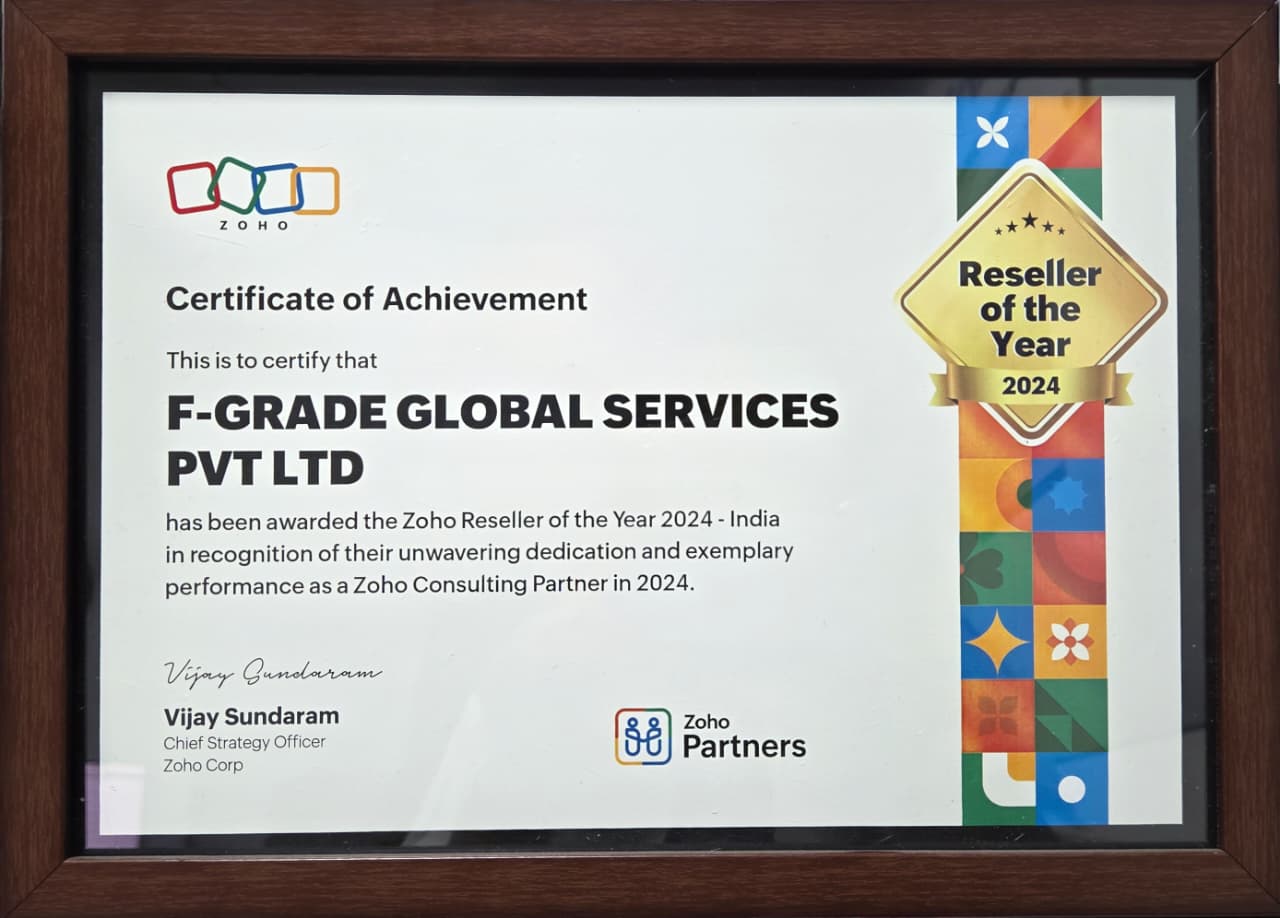
Fgrade — a certified partner of Zoho and ManageEngine products — provides expert implementation, customization, and managed services around OpManager Plus. Whether you’re evaluating pricing, optimizing monitoring workflows, or integrating with ITSM such as ServiceDesk Plus, Fgrade’s specialists ensure you get the most value from your investment.
Discover how Fgrade can streamline your business
Reach out to the FGRADE Concierge Team for a free consultation!
As a Zoho consulting partner, we specialize in tailoring business
automation solutions to meet the unique needs of small and medium enterprises.

Search, compare & buy top business software with FGRADE. Find the best deals on Microsoft 365, Zoho, Google Workspace & more. Shop smart & save big!
AWFIS, Ground Floor, DSL abacus it park, Survey Colony, Industrial Development Area, Uppal, Hyderabad, Telangana 500039
Office Address